Experience PojavLauncher
The ultimate Minecraft: Java Edition launcher for mobile devices. Run your favorite mods, shaders, and versions anywhere, anytime.
What is PojavLauncher?
PojavLauncher is a powerful, open-source utility that allows you to run Minecraft: Java Edition on mobile devices. It isn’t just a simple port; it’s a full-featured environment that translates desktop code for Android and iOS.
Whether you want to play the latest snapshots or revisit classic versions like 1.8.9, PojavLauncher provides the tools to take your desktop experience into the palm of your hand.
Full Mod Support
Install Forge, Fabric, and Quilt to run your favorite mods on mobile.
Desktop Parity
Supports snapshots, old releases, and almost all Java Edition versions.
Custom Controls
Fully mappable on-screen buttons or plug in a mouse and keyboard.
Latest Guides & Tips
Stay updated with the latest Free Fire optimization techniques.
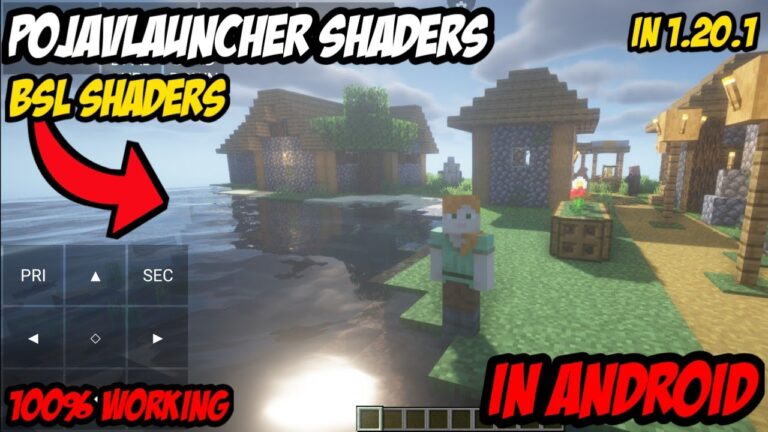
How to Get Shaders Working in PojavLauncher: Step-by-Step Tutorial
Minecraft: Java Edition looks beautiful on its own, but adding custom shaders takes the game...
Read More →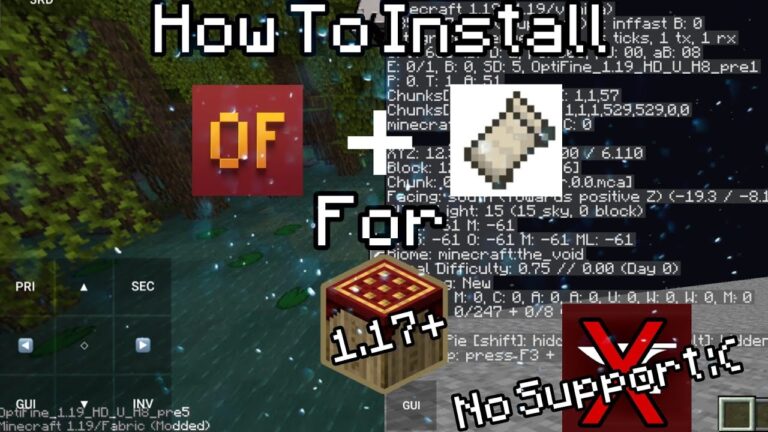
How to Install OptiFine, Forge, and Fabric in PojavLauncher
One of the biggest advantages of playing Minecraft: Java Edition over the standard mobile Bedrock...
Read More →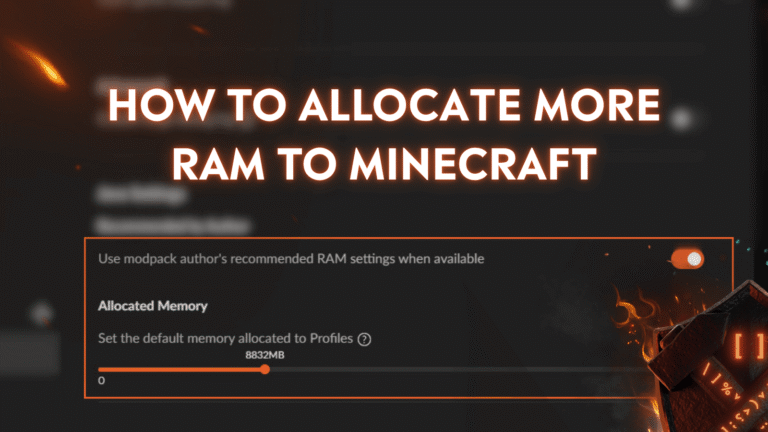
How to Allocate More RAM in PojavLauncher to Stop Game Crashing
One of the most frustrating experiences in PojavLauncher is having your game suddenly freeze, close...
Read More →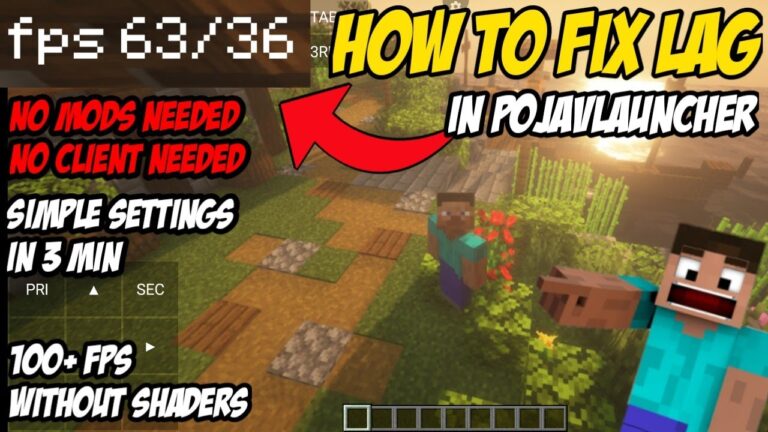
PojavLauncher Lag Fix: Best Settings for Maximum FPS on Mobile
Running a full-scale PC application like Minecraft: Java Edition on a mobile phone processor is...
Read More →
How to Install and Run PojavLauncher on iOS (No Jailbreak Required)
Minecraft: Java Edition is legendary for its massive mods, custom multiplayer plugins, and complex survival...
Read More →
How to Install PojavLauncher on Android: A Complete Step-by-Step Guide
Playing Minecraft: Java Edition on a PC offers unparalleled freedom with its massive multiplayer servers,...
Read More →Core Features
Everything you need to enjoy the full Minecraft Java experience on your mobile device.
Privacy First
PojavLauncher encrypts your login data and local files, ensuring your Minecraft account and personal information remain secure.
Lag-Free Experience
Optimized for low-end hardware and slower internet connections. Experience smooth gameplay with dedicated performance tweaks.
Dynamic Interaction
Features a simple UI that allows you to easily switch versions, manage skins, and customize gameplay modes with a few taps.
Continuous Bug Fixes
The development team actively fixes critical issues, including input pipeline, hardware mouse support, and keyboard compatibility.
Performance Tweaks
Includes specific optimizations that allow Minecraft to run better on Android hardware, ensuring the best FPS possible for your device.
Completely Free
PojavLauncher is open-source and free to use. No hidden charges, no subscriptions, and zero third-party advertisements.
How PojavLauncher Works
Bringing the power of Desktop Java to your mobile hardware.
Java Runtime Environment
PojavLauncher functions by running a dedicated Java runtime on your mobile device. This acts as a container, allowing the original Minecraft: Java Edition code to execute just as it would on a Windows or Mac PC.
OpenJDK SupportTranslation Layer
The launcher uses advanced libraries to translate desktop-specific instructions into language your phone’s processor understands. It bridges the gap between PC graphics (OpenGL) and mobile graphics (Vulkan/OpenGL ES).
GPU AccelerationAccount & File Sync
Once you log in, it communicates directly with Mojang’s servers to download the official game files, assets, and libraries, ensuring you are playing a 100% authentic version of the game.
Official Mojang AuthGet Started Today
Download the latest official build for your platform.
Android Release
Download APK- Supports Android 5.0 and above
- Supports Forge & Fabric
- No Root Required
iOS Release
Download iPA- Requires AltStore or TrollStore
- Must enable JIT for performance
- Requires iOS 12.0 or higher
How to Install
Follow these simple steps to get Minecraft Java running on your device.
Android Guide
- 1 Download APK Get the latest PojavLauncher APK from our official download section above.
- 2 Enable Unknown Sources Go to your phone Settings > Security and enable “Install from Unknown Sources” for your browser.
- 3 Install & Launch Open the downloaded file, tap Install, and launch the app from your home screen.
- 4 Login & Play Sign in with your Microsoft account, select your Minecraft version, and hit Play!
iOS Guide
- 1 Sideload Setup Download and install AltStore or SideStore on your PC/Mac and connect your iPhone.
- 2 Install IPA Download the PojavLauncher IPA and open it via AltStore to sign the application.
- 3 Enable JIT Because iOS restricts Java, you must enable JIT (Just-In-Time) via AltStore while connected to your PC for full performance.
- 4 Sign In Launch the app and log into your official Minecraft account to download the assets.
Best Alternatives
Explore other popular launchers for Minecraft Java Edition on mobile.
MojoLauncher Top Choice
A lightweight and direct successor-style launcher built specifically for high performance on Android devices.
- Simplified User Interface
- Built-in Modly support for mods
- Excellent FPS on mid-range phones
Zalith Launcher Advanced
A powerful fork of the Pojav project focused on extreme customization and experimental renderer support.
- Custom control editor
- Support for latest Minecraft snapshots
- Optimized for high-end hardware
Amethyst Clean UI
Designed for users who want a stable, bug-free experience without the complexity of deep technical settings.
- Streamlined installation process
- Focus on battery efficiency
- Automatic version management
Common Questions
Quick answers to the most frequent inquiries.
Yes. PojavLauncher is completely legal as a third-party tool. However, you must own an official Minecraft: Java Edition account to log in and access the game’s assets and servers legally.
Absolutely! PojavLauncher includes built-in support for installing major mod loaders like Forge, Fabric, and Quilt directly from the launcher interface.
Yes, it supports full multiplayer functionality. You can join any PC-based Java Edition server (Hypixel, 2b2t, etc.) exactly like you would on a computer.
Performance depends on your device’s RAM and CPU. To improve FPS, try reducing render distance, using performance mods like Sodium, and selecting the ‘Holy GL4ES’ renderer in settings.
No, due to Apple’s restrictions on Java, it is not available on the App Store. iOS users must use alternative installation methods like AltStore or TrollStore.
